
NFC (Near Field Communication) is a technology that improves the accuracy of identifying check-in, check-out, or work locations within a designated area — especially in large buildings or sites with multiple work points.
GPS may not be able to pinpoint an employee's exact location inside a building, since many areas can share the same coordinates — for example, different floors, offices, meeting rooms, or nearby shops. Using NFC stickers lets organizations set additional reference points to confirm that time records are made at the intended location.
In Weladee, employees can record their time as usual through the Weladee app — just opening the app and tapping their smartphone on an NFC sticker logs their attendance. However, organizations can choose to use NFC stickers as an additional tool when higher accuracy is needed, or when work at a specific location must be verified.
Weladee's NFC system makes time recording and work tracking transparent, efficient, and accurate. Managers can monitor data in real time and look back to see who recorded time at which location and when — boosting data reliability and effectively reducing disputes about work locations.
How to Use NFC
Step 1 — For Administrators
Connect NFC and set it up in your Weladee account.
Attach the NFC sticker at the work location
Attach it to a door, floor, room, or checkpoint you want to track — for example, "3rd Floor Server Room."
Configure NFC settings.
If a gate is installed, the system will use NFC to record work clock-in and clock-out times.
If there is no gate, the system will use NFC to determine and confirm the location pin.
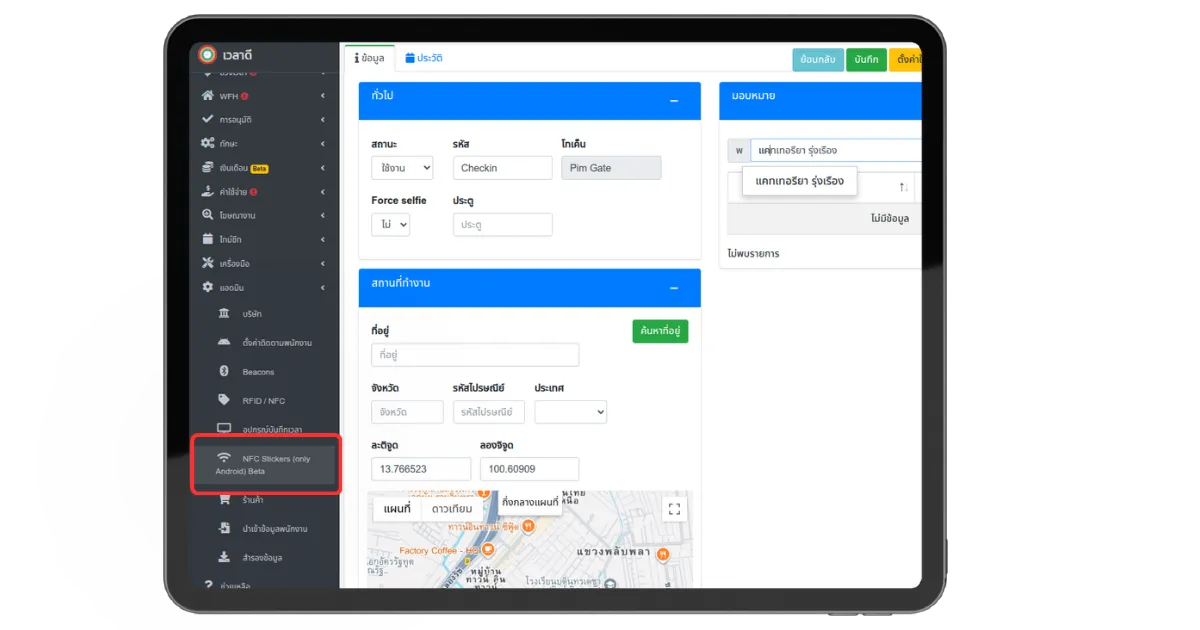
NFC Sticker setup screen in the Weladee Portal
Step 2 — For Employees
Open the Weladee application and tap your smartphone against the NFC tag.
Open the Weladee app
Log in with your employee account so the system can identify you correctly.
Tap your smartphone against the NFC tag.
Tip: NFC sensor locations vary by smartphone model. Knowing where the sensor is located helps ensure fast and accurate reading.
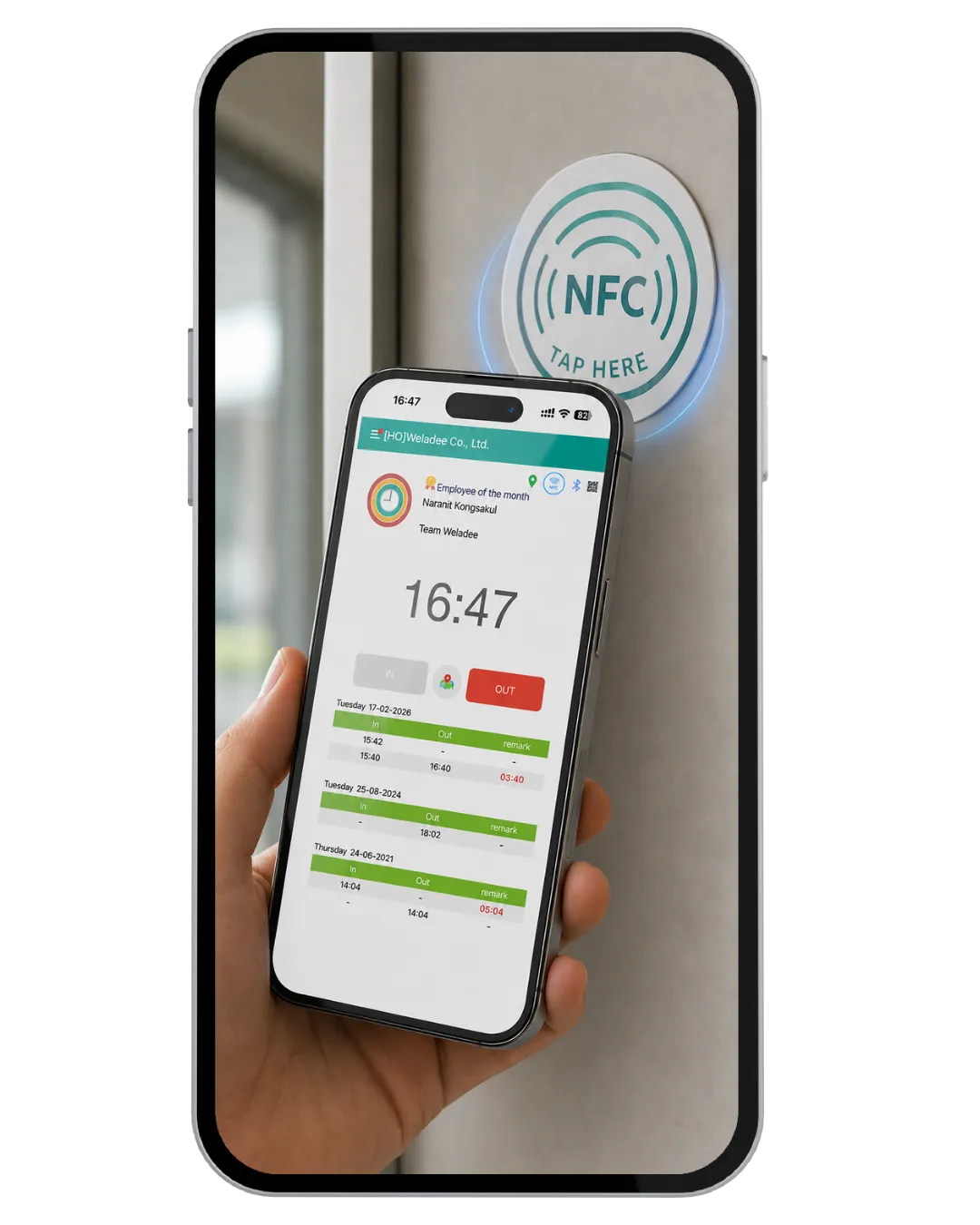
Using a smartphone to tap on NFC.
sticker
in Portal
Weladee app
NFC sticker
in real time
How does Weladee's NFC work?
Employees simply open the Weladee app and tap their phone against the NFC tag. The system will automatically verify their location via NFC, with no need to install any additional applications.
Use Cases
Ideal for businesses that need to verify employees have covered every required location.
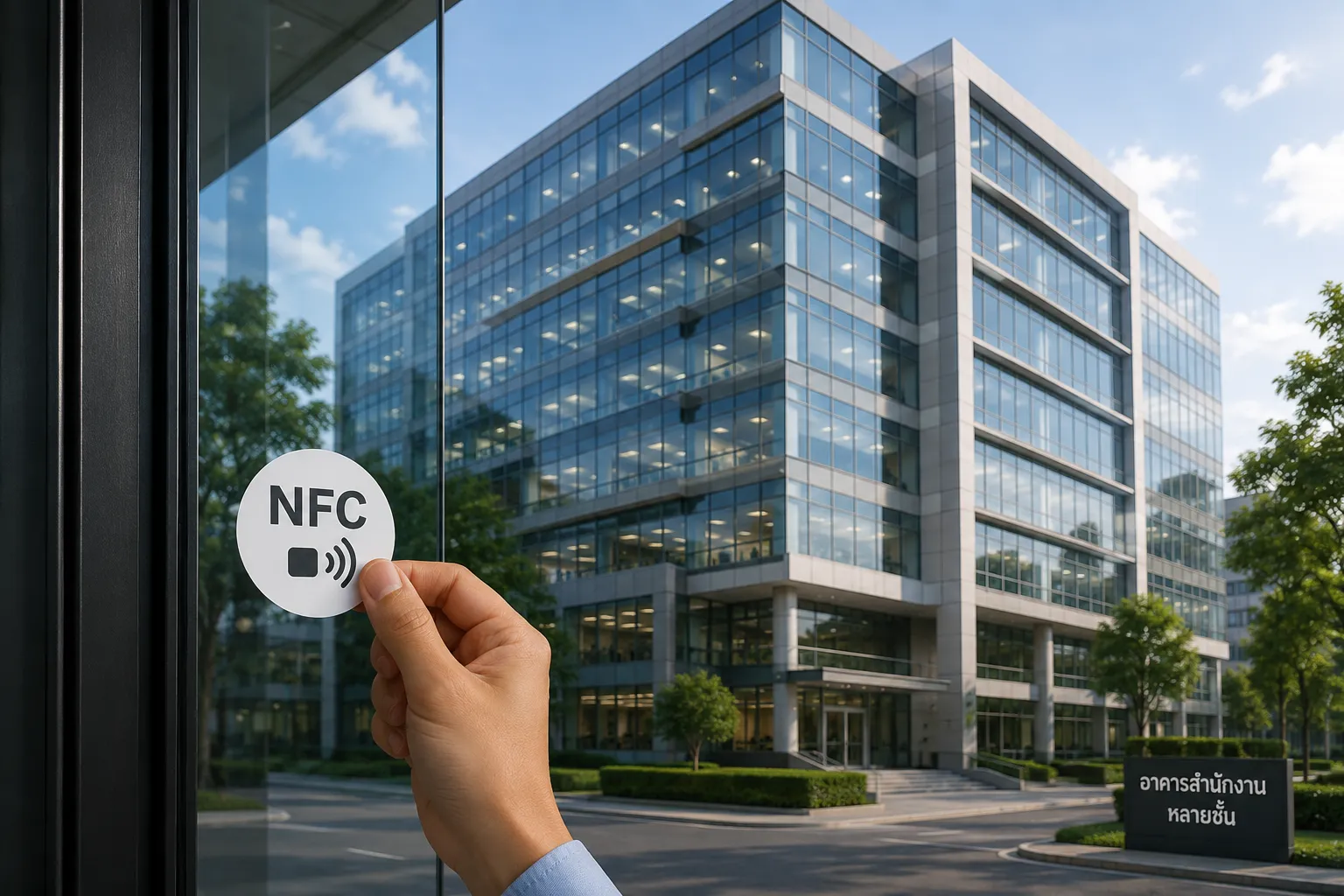
🏢 Multi-floor office buildings
Attach a sticker on each floor to confirm employees are on the correct floor and in the correct room.

🏭 Factories and warehouses
Employees use it to clock in and out of shifts, or to confirm they are working within the designated area.
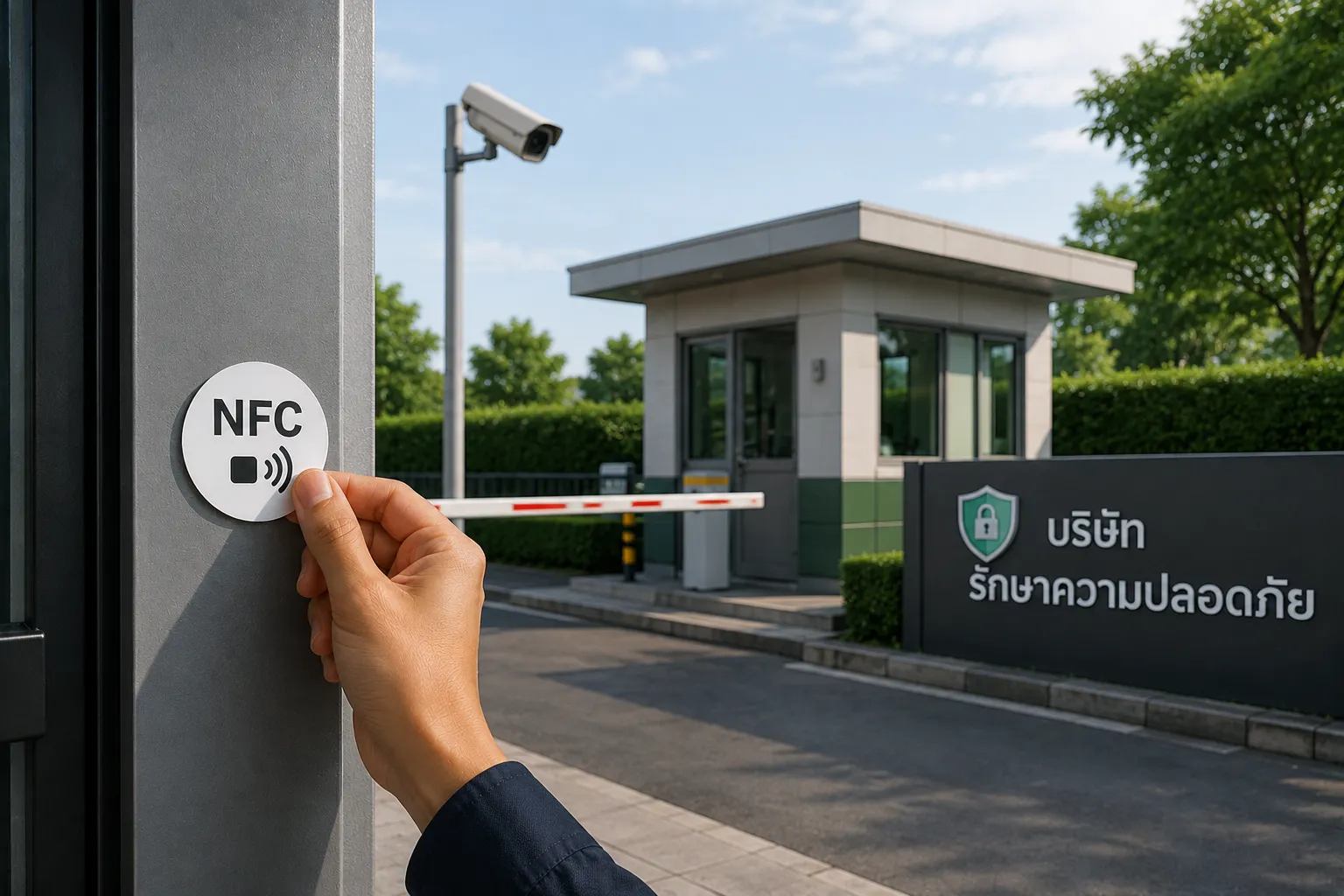
🛡️ Security companies
Security officers use NFC at each checkpoint to confirm patrols are completed on the required schedule.
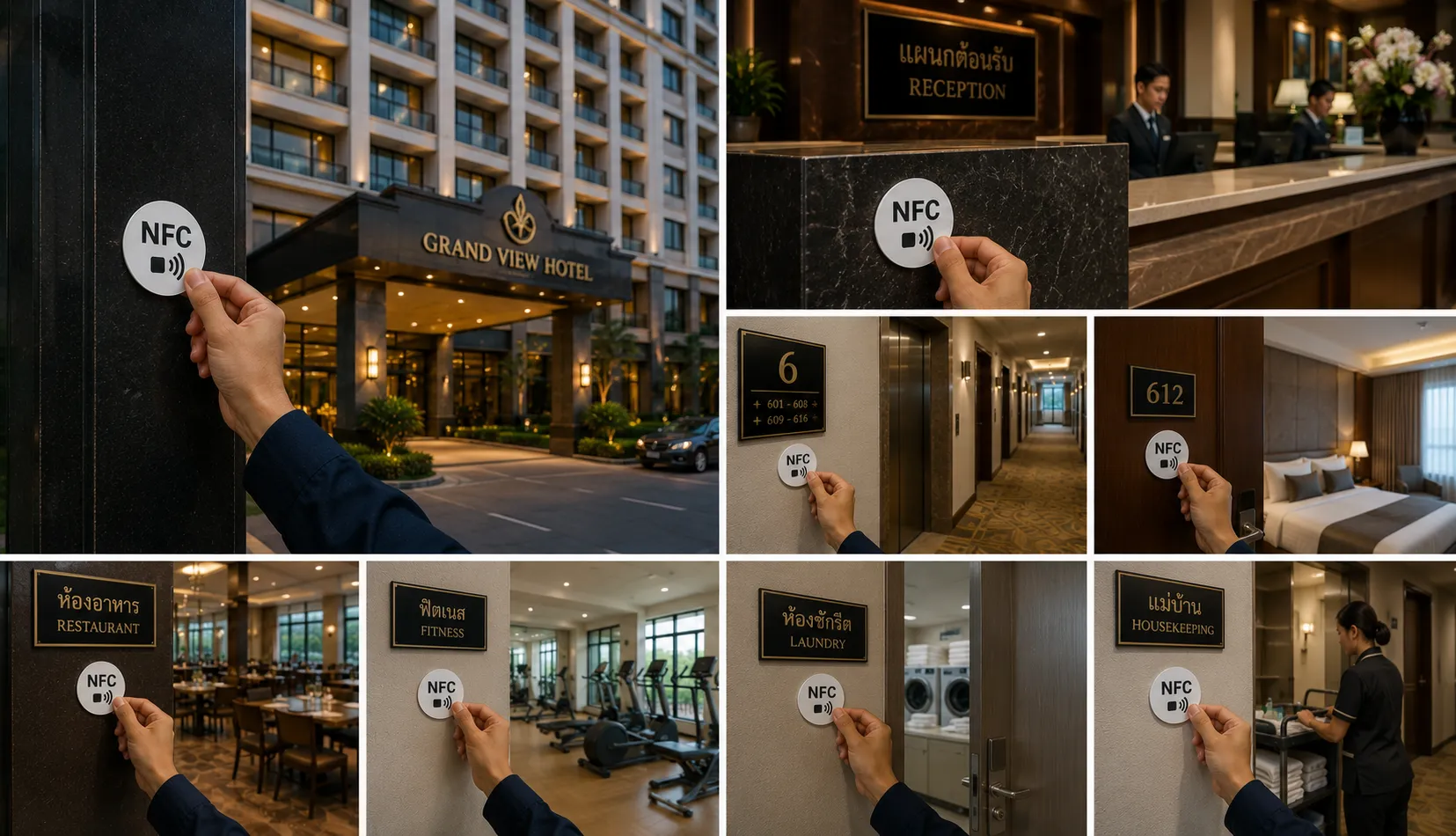
🏨 Hotels and restaurants
Confirm that staff are fully stationed at every service point.
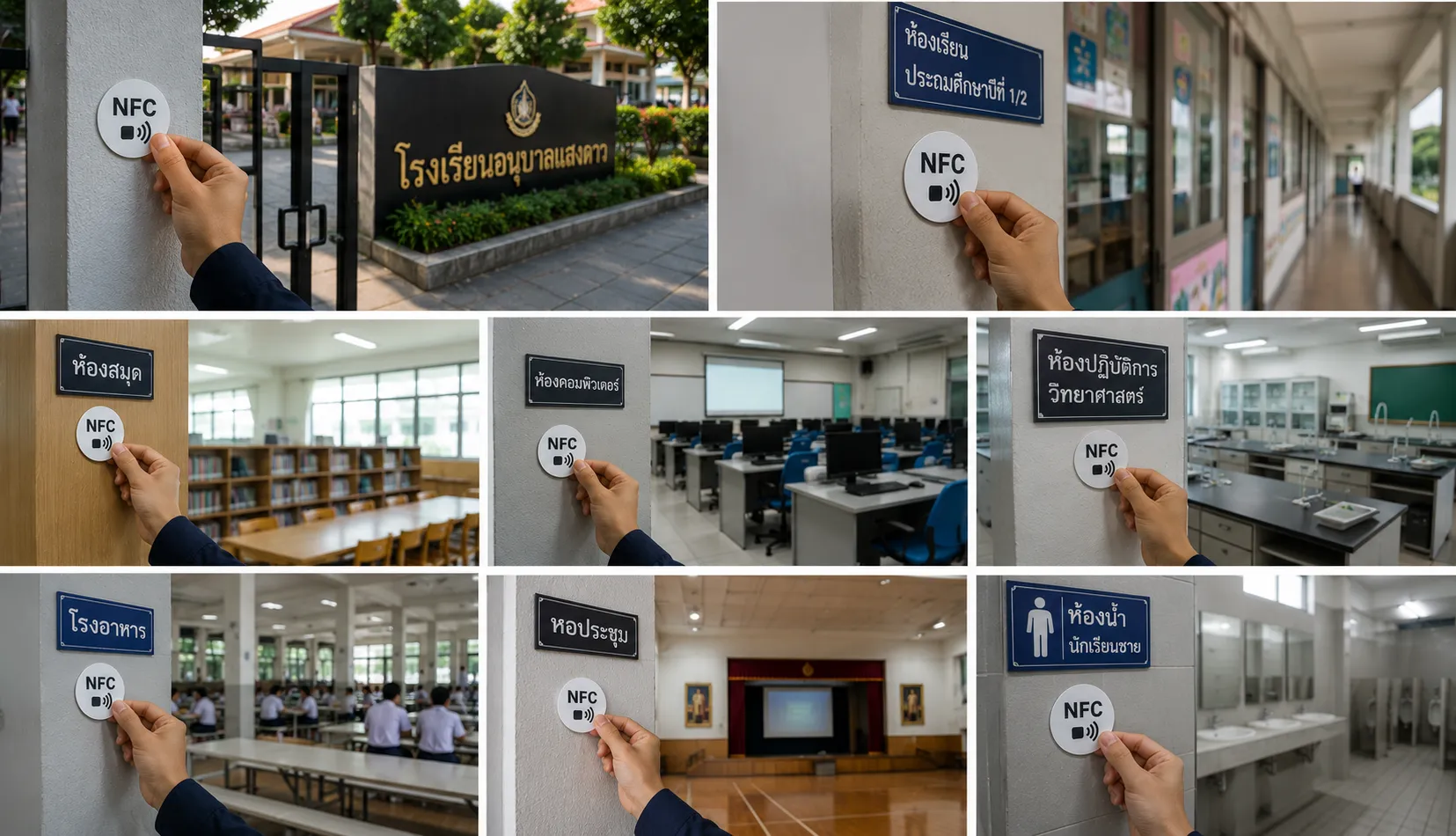
🏫 Schools and educational institutions
Teachers and staff use it to record clock-in/out times or confirm work across different rooms.
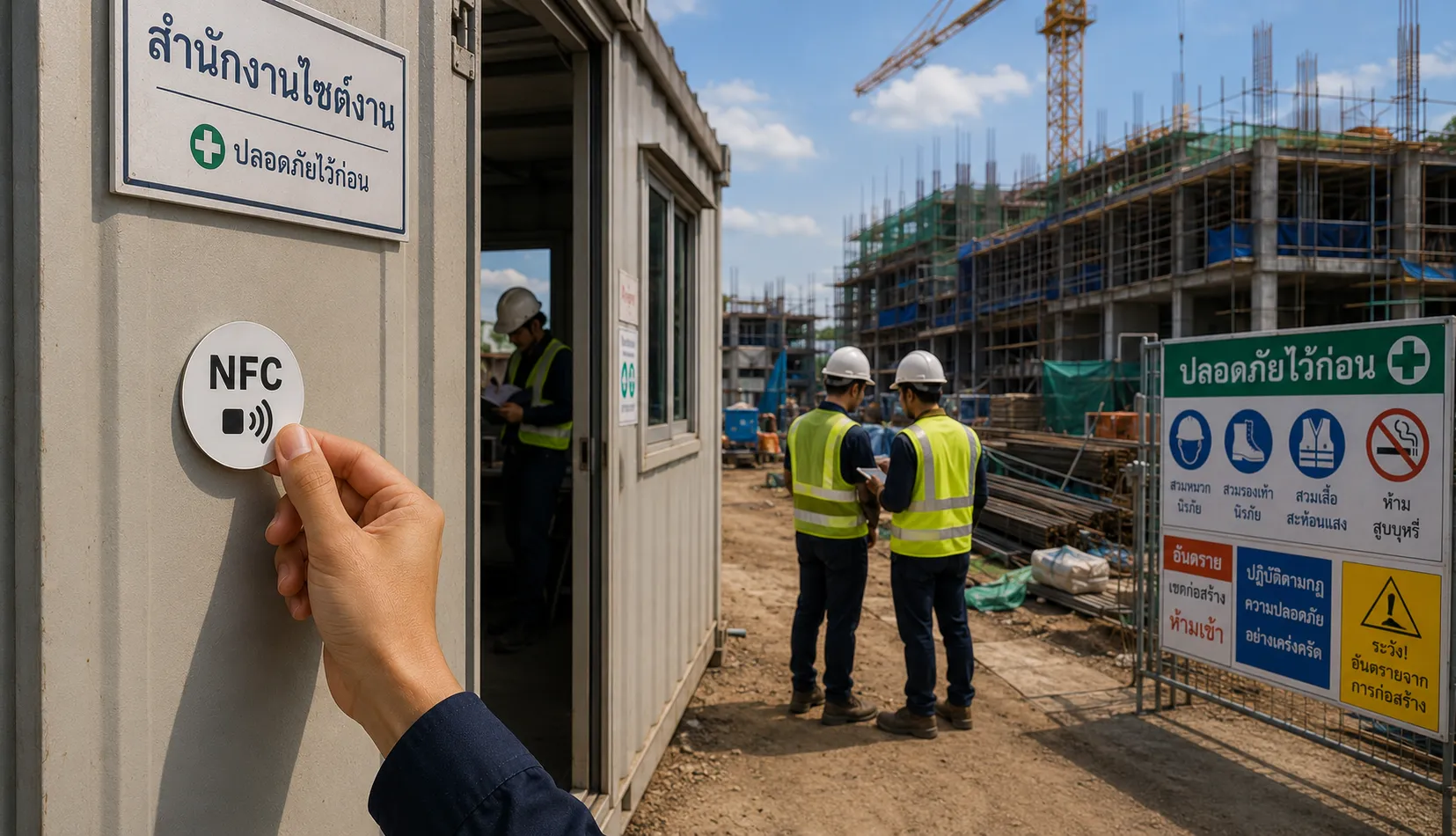
🗺️ Field teams
Engineers, contractors, or workers use it upon arriving at a site to confirm they have begun work at each location.